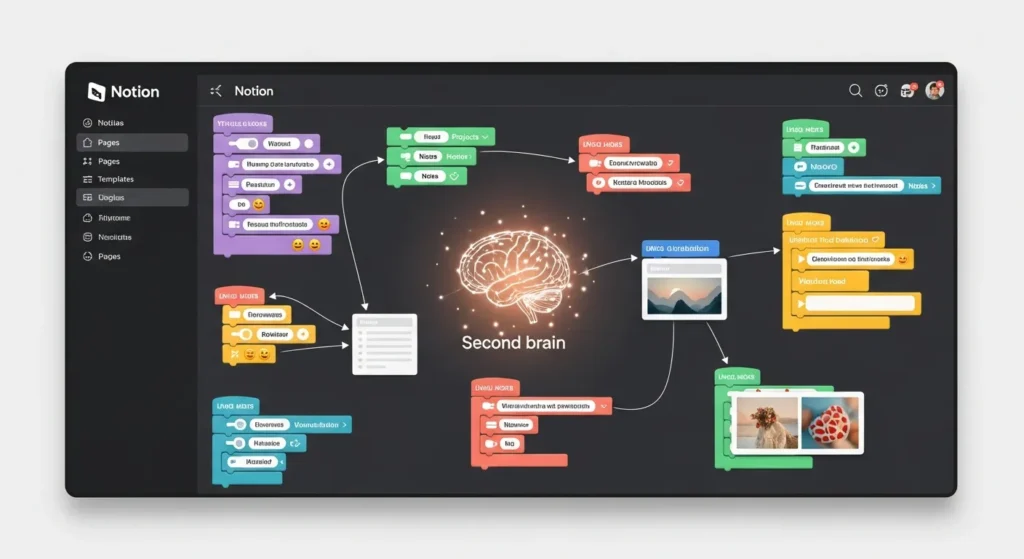
Imagine living in a time where you can’t get your hands on too much but still you receive a ton of information, hardly retaining any of it. Nowadays, we are faced with exactly such a challenge: data is our enemy. However, the idea of a second brain has appeared on the horizon as a rescue for the likes of corporate executives, college students, and mere knowledge seekers.
Productivity expert Tiago Forte coined the term second brain, which is basically one external method consisting of capturing, organizing, and retrieving of your ideas, notes, and knowledge that does not involve your biological brain and thereby one that allows your biological brain to do more complicated work. How do you create one? Notion, the all, in, one workspace, is the answer that has been transforming digital organization and personal knowledge management (PKM).
If you are in a situation where you need to create another brain in Notion, this very detailed Notion guide is your go to. In case you have a plethora of notes saved in Google Docs, Evernote, or numerous browser tabs, and you don’t know where to start or if you have decided to embark on your PKN trip, this article will provide you with step by step methods to convert disorder into order.
The end result will be that of a personalized system that allows not only one to be productive but also to be creative and to develop in terms of the life scale. Let’s not wait any longer; let’s get started on our extraordinary creation.
What Is a Second Brain and Why Do You Need One?
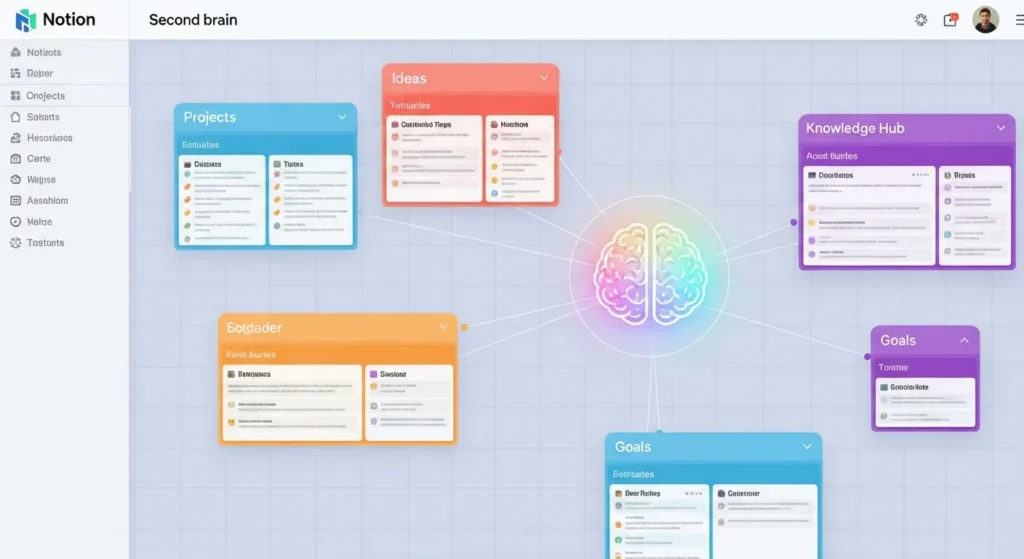
Think of your brain as a library full of activity yet missing a catalog system, books (ideas) are piled on the shelves, but when you want to find the right one, it seems very difficult. That’s the daily life of most of us in the digital era when we are overloaded with emails, articles, podcasts, and meetings. A second brain makes it possible to do that without you having to lift a finger. It does so by acting as your external storage space for your creative output, a space you can rely on.
A second brain by all means isn’t only a software for jotting down thoughts; it is a lifestyle for managing one’s personal knowledge (PKM). On a high level, it recognizes four main characteristics: collect everything that attracts your attention, arrange it in an easy to understand manner, simplify it to the point of being your next action step, and communicate it through projects or results. The Tiago Forte’s Building a Second Brain (BASB) model makes this idea more close and understandable to the people, connotating from the Zettelkasten method, one that uses a slip, box system for the likes of Niklas Luhmann kind of people to come up with a great number of works.
What is the point of having one now? Research presented by the American Psychological Association indicates that the key cause of 40% of work stress is information overload. A second brain, if efficiently designed, would lower the mental load, upgrade (memory) recall (by as much as 30%, according to memory studies), and encourage the occurrence of the unexpected relationships between ideas. To the digital organization, it is a farewell to the problems that you have experienced in the past with your different tools and an introduction of a combined hub.
Beginners will find the advantages quite real to them: students note that the studying of the learned matter is easier; writers gain their lost creativity by using the parts of the thoughts that they have already jotted down; and the executives get the decision, making process much easier by utilizing the insights that have been tagged. In case you are still unconvinced, think about it this way: even one of the major tech companies, GitHub, is not an exception when it comes to the use of these kinds of systems. Are you prepared to get your brain back on track? Notion is like a painter’s favorite palette, adjustable, providing a free version for basics, and potentially endless in its scalability.
Why Notion Reigns Supreme: A Deep Dive into the PKM Powerhouse
Among multiple productivity tools, Notion is the one that comes out on top when it comes to creating a second brain. However, what magic is it that makes it Notion’s tune? Moving on to its design and advantages over competitors, we are giving you the reasons to undertake a Notion tutorial journey.

Notion is a product of 2016, when the four founders Ivan Zhao, Simon Last, Akshay Kothari, and Chris Prucha decided to create a single app that would be an alternative to numerous fragmented apps like Google Docs, Trello, and Airtable. What they ended up with was a block- based editor where every item, be it a bullet point or even an entire dashboard, is a modular “block” that can be combined, linked, or changed. Such Lego- like flexibility is PKM catnip: databases turn into knowledge vaults, pages become project hubs, and embeds suck the web's riches.
Core features fueling digital organization:
- Relational Databases: Unlike flat-file tools, Notion lets properties link bidirectionally e.g., a note “tags” to a project, auto-updating both. This mirrors brain-like associations.
- Multi-View Rendering: See your data as a table, board, calendar, or gallery tailored to context.
- Synced Blocks: Changes in one spot ripple everywhere, ensuring your second brain stays cohesive.
- AI Augmentation: Notion AI (from $10/month) auto-summarizes, brainstorms, or even codes, accelerating distillation.
Pricing sweetens the deal: Free for individuals (unlimited blocks), Personal Pro ($4/month) for history, and Team ($8/user/month) for collaboration. No feature walls mid-journey.
Now, a candid comparison to illuminate Notion’s supremacy in personal knowledge management:
| Tool | Key Strengths | Second Brain Shortfalls | Notion’s Winning Edge | Ideal For |
| Evernote | OCR scanning, web clipping | Linear search, weak linking | Dynamic relations + infinite nesting | Legacy hoarders transitioning to PKM |
| Roam Research ($15/month) | Bi-directional links, graph views | Markdown-only, no mobile polish | User-friendly UI + free tier | Graph purists seeking accessibility |
| Obsidian (Free, plugins) | Local Markdown, vault extensibility | Sync fees ($5/month), steep curve | Cloud sync + native apps | Offline tinkerers wanting ease |
| Obsidian (Free, plugins) | Local Markdown, vault extensibility | Sync fees ($5/month), steep curve | Cloud sync + native apps | Offline tinkerers wanting ease |
| Tana (Beta, invite-only) | AI-native querying, supertags | Unstable, limited templates | Proven ecosystem (10k+ templates) | Experimentalists post-stability |
| OneNote (Free with Microsoft) | Handwriting support, sections | Clunky databases, ecosystem lock-in | Cross-platform freedom + relations | Tablet users in Microsoft orbits |
| Craft ($8/month) | Beautiful docs, AI writing | Less robust databases | Deeper PKM via views + formulas | Aesthetic-focused minimalists |
Notion’s 30 million+ users (2024 stats) attest to its stickiness; it’s not just a tool; it’s a canvas for PKM artistry. Community galleries brim with second brain templates, from minimalist inboxes to sprawling wikis. If you’re dipping your toes, start with the free plan; scale as your knowledge blooms.
Laying the Groundwork: Configuring Your Notion Workspace for Seamless PKM
A fortress begins with solid foundations. Before we code your second brain, let’s sculpt a Notion workspace that’s intuitive, scalable, and aesthetically yours a true bastion of digital organization.
Step 1: Onboarding and Interface Mastery
Head to notion.so, sign up (Google/Apple login for speed), and christen your workspace e.g., “Echo Chamber” for that resonant second brain vibe. Download apps across devices; Notion’s omnipresence ensures capture anywhere.
The interface? A sidebar for navigation, central canvas for creation, and top bar for globals. Master slash commands (/): /todo for checklists, /embed for YouTube, /synced for magic blocks. Keyboard shortcuts? Cmd/Ctrl + [ ] for page hierarchy, /turn for database views. For PKM pros, enable “Full width” and dark mode your eyes will thank you during late-night distillations.
Pro Customization: Upload a cover image (Unsplash integration) and icon (emoji or custom). Set a private workspace initially; share later for collaboration.
Step 2: Data Migration – Consolidating Your Digital Diaspora
No second brain starts pristine; it absorbs your existing mess. Notion’s Import wizard (Settings & Members > Import) ingests Evernote (.enex), Google Docs, CSV, or HTML. For emails, forward to notion-mail@notionhq.com; for bookmarks, export Chrome and parse via CSV.
Migration Strategy:
- Phase 1: Quick Wins: Import high-value items (e.g., 50 key notes) to build momentum.
- Phase 2: Bulk Transfer: Use tools like Evernote2Notion (free GitHub script) for scale.
- Phase 3: Cleanse: Post-import, bulk-edit properties – add dates, tags – to seed your PKM structure.
This isn’t drudgery; it’s alchemy, turning silos into synergy.
Step 3: Sidebar Symphony – Hierarchical Harmony for Navigation
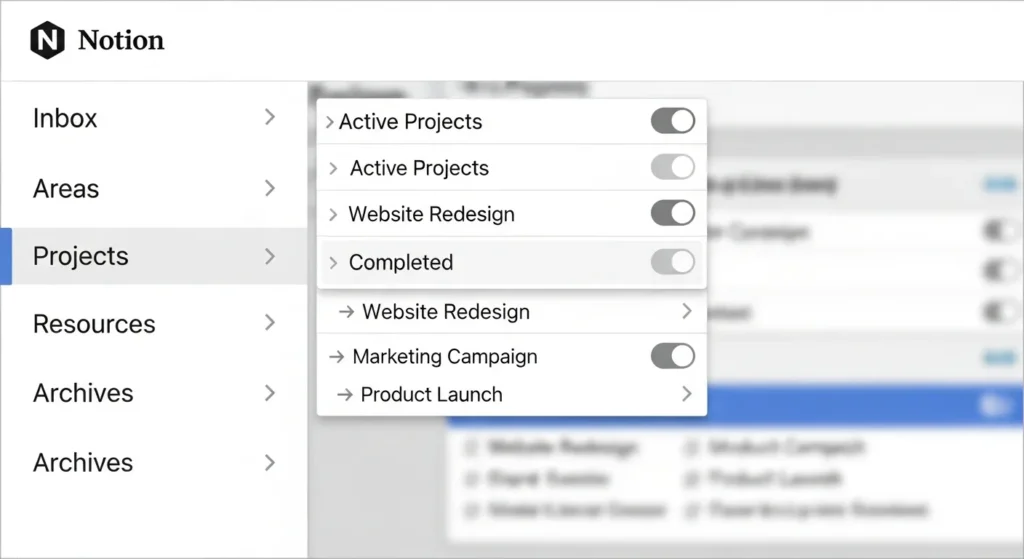
Your sidebar is the second brain‘s front door. Structure it PARA-inspired from the jump:
- Top Level: Inbox A database for raw captures (more below).
- Areas Parent page with sub-pages: Career, Relationships, Health, Finances. Each a dashboard with linked metrics.
- Projects Active initiatives, e.g., “Q4 Content Blitz” with embedded timelines.
- Resources Knowledge vaults: Topics (e.g., “Stoicism”), Tools, Books.
- Archives Sunk costs; drag here quarterly.
Enhance with dividers (/divider), colors (page properties), and favorites (star icon). For digital organization flair, nest toggles for sub-menus. Result? A sidebar that’s less list, more mind palace navigable in seconds via Quick Find (Cmd/Ctrl + P).
Advanced Setup: Create a “Wiki” page with a table of contents (/toc) linking everything. Add a favorites bar for daily drivers: Journal, Today’s Tasks. With this scaffold, your Notion tutorial transitions from setup to strategy.
Capture: The Art of Frictionless Ingestion – Fueling Your Second Brain
Capture is the second brain‘s oxygen: without it, your system atrophies. In BASB, it’s about snaring “input signals” ideas, quotes, tasks before they evaporate. Notion excels here, minimizing barriers to entry for robust personal knowledge management.
Essential Capture Mechanisms in Notion
- The Ubiquitous Inbox Database:
- New page: “Inbox.”
- /database > Inline Table.
- Properties: Title (text), Created (date auto), Tags (multi-select: Idea/Task/Quote), Source (select: Web/Meeting/Book), Urgency (select: High/Med/Low).
- Views: “All” (table), “Untagged” (filtered list), “Today” (calendar).
- Add via + New or mobile quick add title it, tag it, done in 10 seconds.
- Web Clipper and Browser Extensions:
- Install Notion Web Clipper (Chrome/Firefox/Safari).
- Clip full pages, highlights, or screenshots; auto-tags with URL and date.
- For power users: Integrate Raindrop.io via Zapier for bookmark floods.
- Mobile and Voice-First Capture:
- Notion app’s widget: One-tap to Inbox.
- Dictation: Tap mic for voice notes transcribes to text, ideal for walkers pondering PKM tweaks.
- Shortcuts app (iOS): Custom automation to append to Journal.
- Integrations for Ambient Capture:
- Zapier/Make.com: Trigger on Gmail labels (“Action”) to create pages.
- Twitter/Readwise: Auto-pull highlights from tweets or Kindle.
- Calendar Sync: Embed Google Calendar; link events to note templates.
Workflow Deep Dive: You’re reading a Harvard Business Review article on remote leadership. Clip it: Select key paras, add #leadership tag, related to “Team Building Project.” Boom captured, contextualized.
Cultivating Capture Habits: From Novice to Ninja
- The 1-2-3 Rule: Capture in under 1 minute, tag in 2, relate in 3. Friction kills consistency.
- Environmental Cues: Desktop shortcut to Inbox; phone home screen widget. Set reminders: “Capture 3 ideas daily.”
- Selective Intake: Not everything merits space. Use Forte’s “actionable” filter: Does it inspire, inform, or ignite? If no, mercy-delete.
- Batch vs. Real-Time: For high-volume (e.g., conferences), batch post-event; for sparks, real-time.
Metrics matter: Track capture rate via database rollups (e.g., count monthly entries). Users hit 20-50/week once habituated, per Forte’s cohort data. Pitfall? Backlog bloat cap Inbox at 50 items; force weekly triage.
In digital organization, capture isn’t hoarding; it’s harvesting. With Notion’s seamlessness, your second brain becomes a voracious idea vacuum, primed for the next phase.
Organize: Architecting Order from Capture Chaos in Your PKM System
Captured gems need homes, lest they gather dust. Organization in a second brain is about imposing just enough structure for flow Notion’s PARA method, supercharged with databases, makes this elegant and emergent.
Demystifying PARA: Projects, Areas, Resources, Archives
Forte’s PARA isn’t folders; it’s a meta-framework for personal knowledge management. Implement as a master database for holistic oversight.
- Database Creation Ritual:
- New page: “PARA Control Center.”
- /database > Full Page Table.
- Core Properties:
- Name (title).
- PARA Type (select: Project/Area/Resource/Archive).
- Status (select: Active/Paused/Complete).
- Owner (person, for teams).
- Last Modified (rollup from linked pages).
- Relations: To Inbox (for pulls), Tags (multi), Projects (self-relation for nesting).
- Fleshing Out Categories:
- Projects (P): Ephemeral pursuits with endpoints. E.g., “Rebrand Website.” View: Kanban by Status. Sub-pages: Brief, Milestones (timeline), Resources (linked database).
- Areas (A): Perpetual spheres of responsibility. E.g., “Personal Finance.” Dashboard with KPIs (e.g., net worth tracker via formulas), habit checklists.
- Resources (R): Timeless intel. Sub-folders: Topics (e.g., “Behavioral Economics” – gallery of notes), Frameworks (synced templates). Use board view grouped by Type.
- Archives (A): Graveyard for done/dead. Simple list; filter by completion date >6 months.
Notion Nuance: Use “Self-referential relations” for Projects to nest sub-tasks. Formulas like if(prop(“Status”) == “Complete”, prop(“Due Date”) + 30, empty()) auto-archive.
Mastering Views: Lenses for Dynamic Digital Organization
Views are Notion’s secret sauce refracting one dataset into myriad perspectives:
- Board View: Drag-and-drop for Projects; group by Priority.
- Timeline: Gantt-style for Areas; color-code by effort.
- Gallery: Visual for Resources; pull cover images from embeds.
- List with Filters/Sorts: E.g., Resources filtered #AI and sorted by relevance score (manual property).
- Custom: Linked Database: Embed PARA subsets in Home dashboard live, interactive.
Pro Hack: “Board in Board” nest kanbans inside project pages for granular tracking. For PKM serendipity, create a “Random” view (sorted by random formula) to spark cross-pollination.
The Rhythm of Reviews: Sustaining Organizational Vitality
Structure ossifies without maintenance. Weekly Review (WR): 45 minutes, Sundays.
- Scan Inbox: Relocate 80%, delete 20%.
- PARA Audit: Update statuses, link orphans.
- Reflection: Journal “What patterns emerged?” via /callout.
Quarterly? Deep clean: Archive inactives, refine tags. Tools: Database filters for “Last Modified < 90 days.” This ritual, per second brain adepts, prevents entropy, ensuring your system scales to thousands of notes without overwhelm.
In this phase, Notion transcends tools it’s your organizational OS, turning digital organization from chore to choreography.
Distill: Refining Raw Input into Golden Insights for PKM Mastery
Distillation is the second brain‘s alchemy: compressing noise into signals. It’s where passive notes become active assets, fueling personal knowledge management at its most potent.
Progressive Summarization: Layered Refinement Technique
Forte’s gem: Iterate through your captures, adding emphasis without rewriting.
- Pass 1 (Capture): Skim, bold 20% (key sentences).
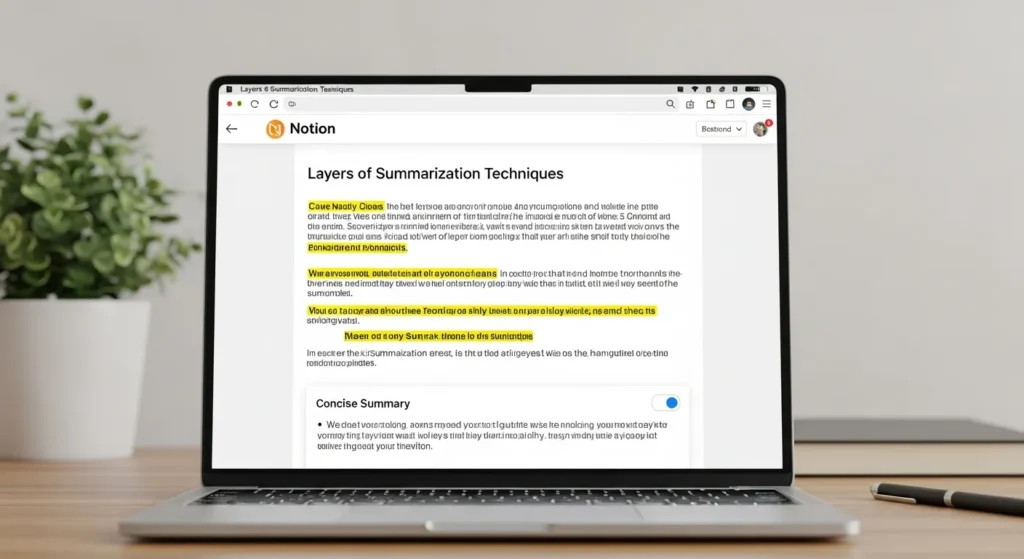
- Pass 2 (Organize): Highlight (background color) top 5% – the essence.
- Pass 3 (Distill): Summarize in a nested toggle: 1-3 bullets.
- Pass 4 (Express): Pull into outputs; add action links.
Notion Implementation:
- Use /highlight for colors; /toggle for layers.
- Property: “Distill Level” (select: 1-4); formula bar: length(prop(“Summary”)) / length(prop(“Full Text”)) * 100 for density score.
- Template: Button to “Distill This” – duplicates page, prompts summary.
Example: A 2,000-word article on neuroplasticity. Pass 1: Bold growth mindset quotes. Pass 2: Yellow “Core Mechanism: Repetition rewires.” Pass 3: Toggle summary – “Apply: Daily micro-habits for 21 days.” Distilled in 15 minutes.
Tagging, Relations, and MOCs: The Interconnection Web
Tags are crude; relations are refined.
- Tag Taxonomy: Core (e.g., #productivity), Contextual (e.g., #Q3-2025), Atomic (e.g., #quote).
- Relations Magic: Link Note to Project – auto-populates “Brainstorm” section. Reverse: Project shows all related notes.
- Maps of Content (MOCs): Hub pages aggregating via embeds. E.g., “Creativity MOC”: Database filtered #creativity, sorted by date. Add /linked for rollups.
Advanced PKM Play: “Knowledge Graph” page – embed relation views as mind maps (via third-party like Whimsical embed). Query formulas: filter(prop(“Tags”) contains “AI” and prop(“Distill Level”) == 4) for ready-to-use gems.
Queue and Cadence: “Distill Pipeline” database, synced from Inbox. Process 5/day in 25-minute sprints. Track via progress bars (rollup of levels).
Distillation isn’t busywork; it’s leverage. A distilled second brain yields 10x recall, per cognitive load theory (Sweller, 1988), turning your Notion into a wisdom engine.
Express: Unleashing Outputs – From Insight to Impact
The second brain culminates in expression: channeling distilled knowledge into the world. This closes the CODE loop, making PKM a value generator, not a collector’s hobby.
Project Orchestration: Templates and Flows for Fluid Creation
Projects are expression’s stage. Elevate with:
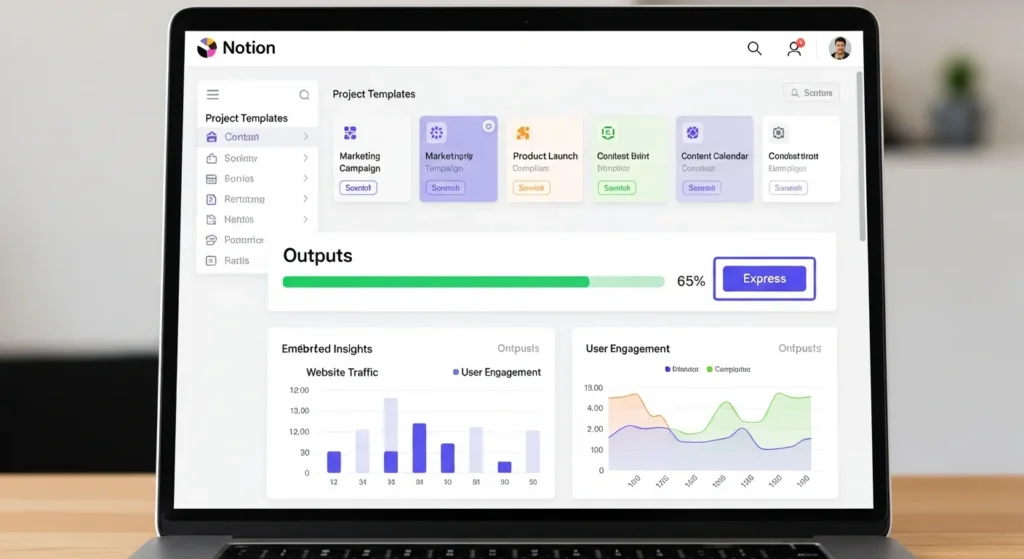
- Master Template: /template in Projects DB. Sections: Objectives (from Areas), Research (linked Resources), Outline (Notion AI generate), Deliverables (sub-database).
- Dynamic Embeds: Synced block from MOCs auto-refreshes insights.
- Progress Automation: Rollup properties for completion %; button to “Archive on Done.”
Workflow: “Podcast Episode” project. Pull #storytelling resources, AI-draft script, embed recording. Export to Descript – seamless.
Collaboration and Amplification: Sharing Your Second Brain’s Gifts
- Permissions Granular: Share read-only Resources; edit Projects for teams.
- Guest Workspaces: Invite without full access.
- Exports: PDF for reports, Markdown for blogs, CSV for analysis.
Team PKM Twist: Shared “Knowledge Commons” database – contributions tagged by author, fostering collective intelligence.
Case Study: Tech startup founder Raj used Notion second brain to express a pitch deck from 200 distilled investor notes. Raised $2M – ROI on organization? Priceless.
Output Habits: Weekly “Express Hour” – pick one Project, ship something. Measure: Outputs/month, via dashboard chart.
Expression transforms your second brain from vault to vector – propelling ideas outward.
Pro-Level Enhancements: Automations, Mobile Mastery, and Team Scaling
Your second brain deserves upgrades. Let’s bolt on sophistication.
Automations: Code-Free Intelligence
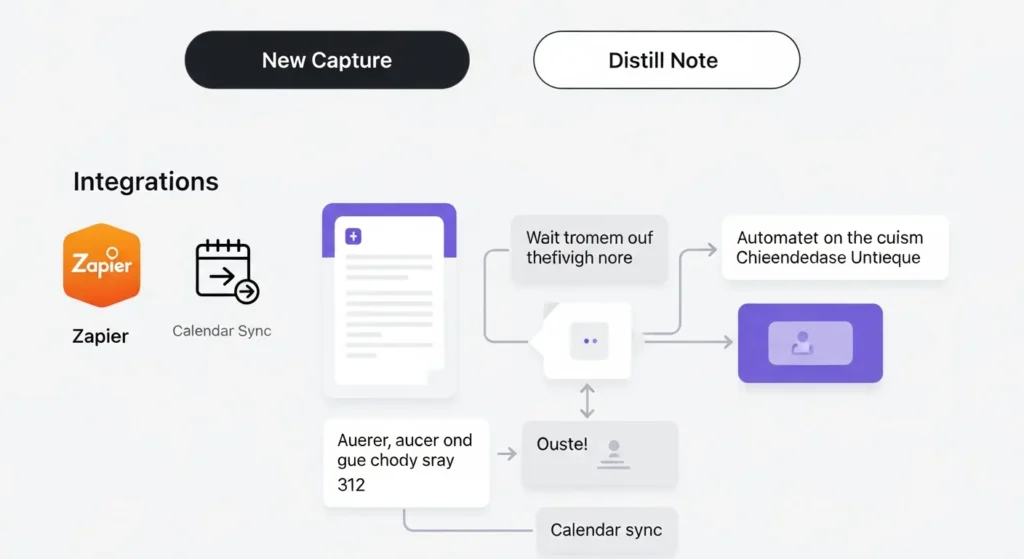
- Buttons: /button to “New Capture” (pre-fills date/tags) or “Distill Note” (copies to queue).
- Formulas Deep Dive: prop(“Created”) + 7 for weekly reviews; count(filter(related(“Projects”), prop(“Status”) == “Active”)) for active load.
- Integrations: Notion API + n8n for custom zaps – e.g., Slack mention creates task. Webhooks for GitHub issues to Resources.
Mobile and Cross-Device Optimization
- Offline Mode: Edits sync on reconnect.
- Widgets: iOS/Android for glanceable Inboxes.
- Voice: Integrate Otter.ai for meeting transcripts.
Daily Driver: “Morning Ritual” template – journal + task pull.
Team and Enterprise Scaling
- Teamspaces: Segregate personal vs. shared.
- @Mentions + Comments: Async feedback loops.
- Security: Two-factor, audit logs (Enterprise plan).
Pitfalls? Over-automation paralysis start simple. Lag? Paginate large DBs.
Case Studies and Transformations: Real Humans, Real Second Brains
Theory thrives in stories. Alex, dev overwhelmed by Stack Overflow tabs, built a snippet DB linked to bug trackers debug time halved, promotions followed.
Lisa, educator, MOC’d curricula from 500 PDFs lessons 3x more engaging, burnout vanished.
Freelancer Mia expressed e-books from one vault revenue up 200%.
These aren’t anomalies; they’re blueprints for your PKM triumph.
Conclusion
Crafting a second brain in Notion is iterative artistry: capture voraciously, organize mindfully, distill ruthlessly, express boldly. This Notion tutorial has mapped the terrain – from PARA pillars to automation artistry – equipping you for digital organization dominance and personal knowledge management transcendence.
Don’t perfect; prototype. Grab a BASB template at notion.so/templates, capture your first spark today. Your future self – sharper, bolder – awaits. What’s brewing in your brain? Drop it below; let’s co-create.